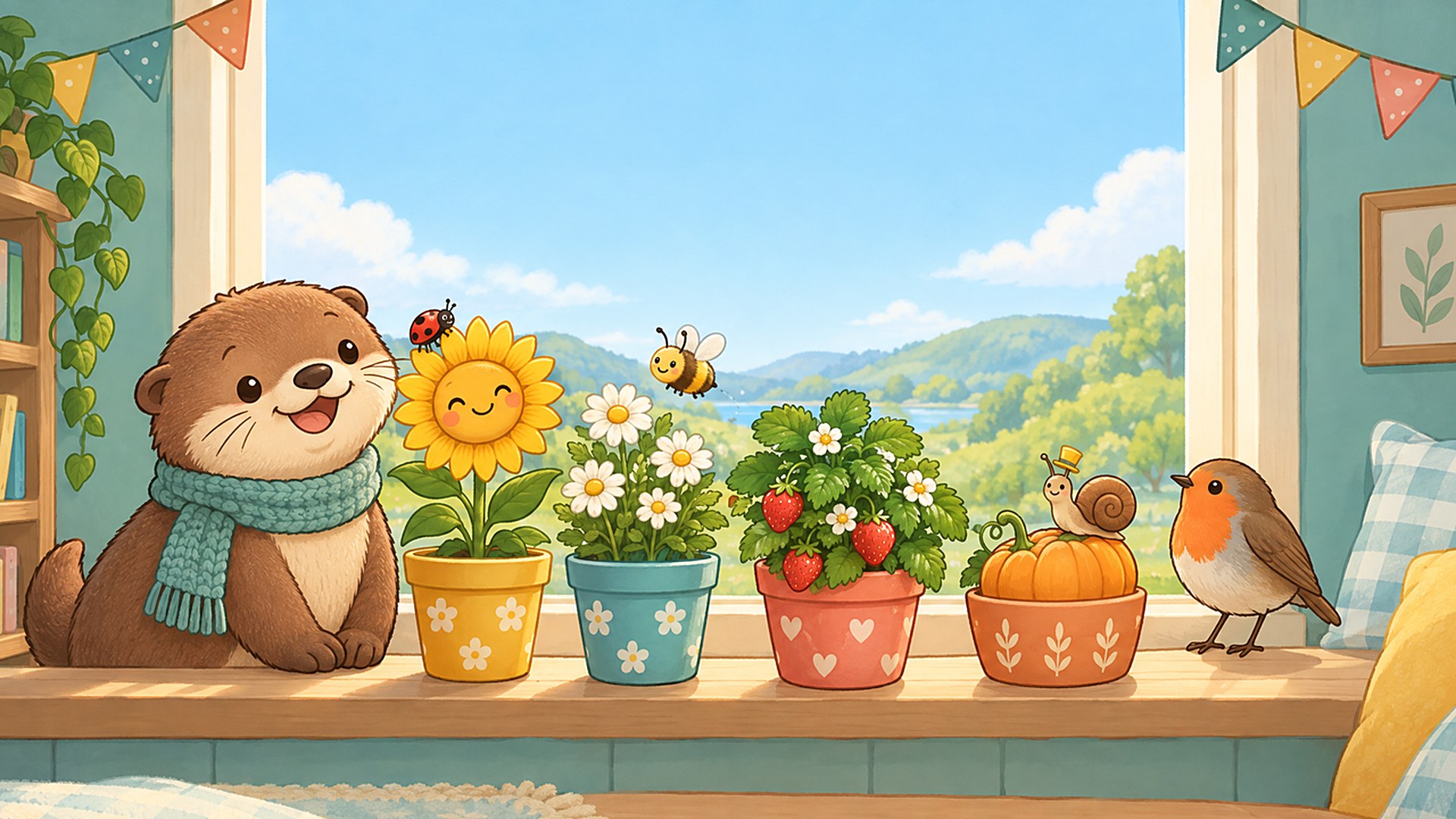

Pip the otter keeps a window box on the ward at Maplewood Children's Hospital, and it needs a gardener. Plant a seed, give it a drink, turn the box to the sun, and come back later: your plants keep growing in real time while you rest, so there is always something new to see on the next visit. Nothing ever wilts.
Made for children aged 4 to 12 on longer hospital stays, the garden is played with big, friendly buttons and picture bubbles instead of words. Every bloom brings something new: a ladybird, a bee, a robin and a snail come to visit, new seeds and new pots unlock, and everything you pick is kept in the My Garden book. There are no ads, no accounts, no timers to fail and no way to lose.
How to play
Tap a pot to plant a seed. Each plant shows a little picture bubble with what it would like next, so even children who cannot read yet can follow along.
- Tap an empty pot and choose a seed
- Tap the watering can to water every thirsty plant
- Tap the sun to turn the window box toward the light
- Wait, rest, or come back later while the plant grows
- When a basket bubble appears, tap the plant to pick it
- Open the book to see your friends, seeds and harvest
Growing between visits
Plants grow in real time, even while the game is closed. The very first seed grows in about a minute, so the first visit ends with a flower. After that, a daisy takes around twenty minutes from seed to bloom and a pumpkin takes about an hour and twenty minutes, with a new step to help with along the way. The garden is saved on the device, so it is waiting exactly as you left it.
For parents, child life specialists and nurses
Nothing in the garden ever wilts, dies or goes wrong, and there is no score, no timer and no way to fail. Sessions can be a few seconds or as long as a child likes. A sound button sits in the corner for quiet rooms, and the game works held sideways or upright on a tablet or phone, with a mouse, a keyboard or a gamepad.
Controls
- Touch
- Tap pots, the watering can, the sun, the book and the visitors
- Mouse
- Click anything you could tap
- Keyboard
- Arrows or A/D to choose a pot, Enter to use it, W or 1 to water, S or 2 to turn to the sun, B or 3 for the book, M for sound, Esc or P to pause
- Gamepad
- D-pad or left stick to choose, A to use, X to water, Y to turn to the sun, Back for the book, RB for sound, Start to pause
Features
- Real-time growth that carries on between visits
- Nothing ever wilts, and there is no way to lose
- Four seeds to unlock: daisy, sunflower, strawberry and pumpkin
- Four garden visitors: ladybird, bee, robin and snail
- Two pots to start, four once the garden grows
- Picture bubbles instead of text, made for ages 4 to 12
- My Garden book with every friend, seed and harvest
- Pip the otter waves, waters and cheers along
- Plays in landscape or portrait on tablets and phones
- Touch, mouse, keyboard and gamepad
- Garden saved on the device
- No ads, no accounts, no in-game purchases
Support
Stuck, found a bug, or want to say something about Pip's Window Garden? Send a message to the developer. They reply by email.
Something wrong with this game that the developer should not handle?
Made with Godot 4 on vbgnt.
Art, music and code were produced with generative tools and hand-tuned.