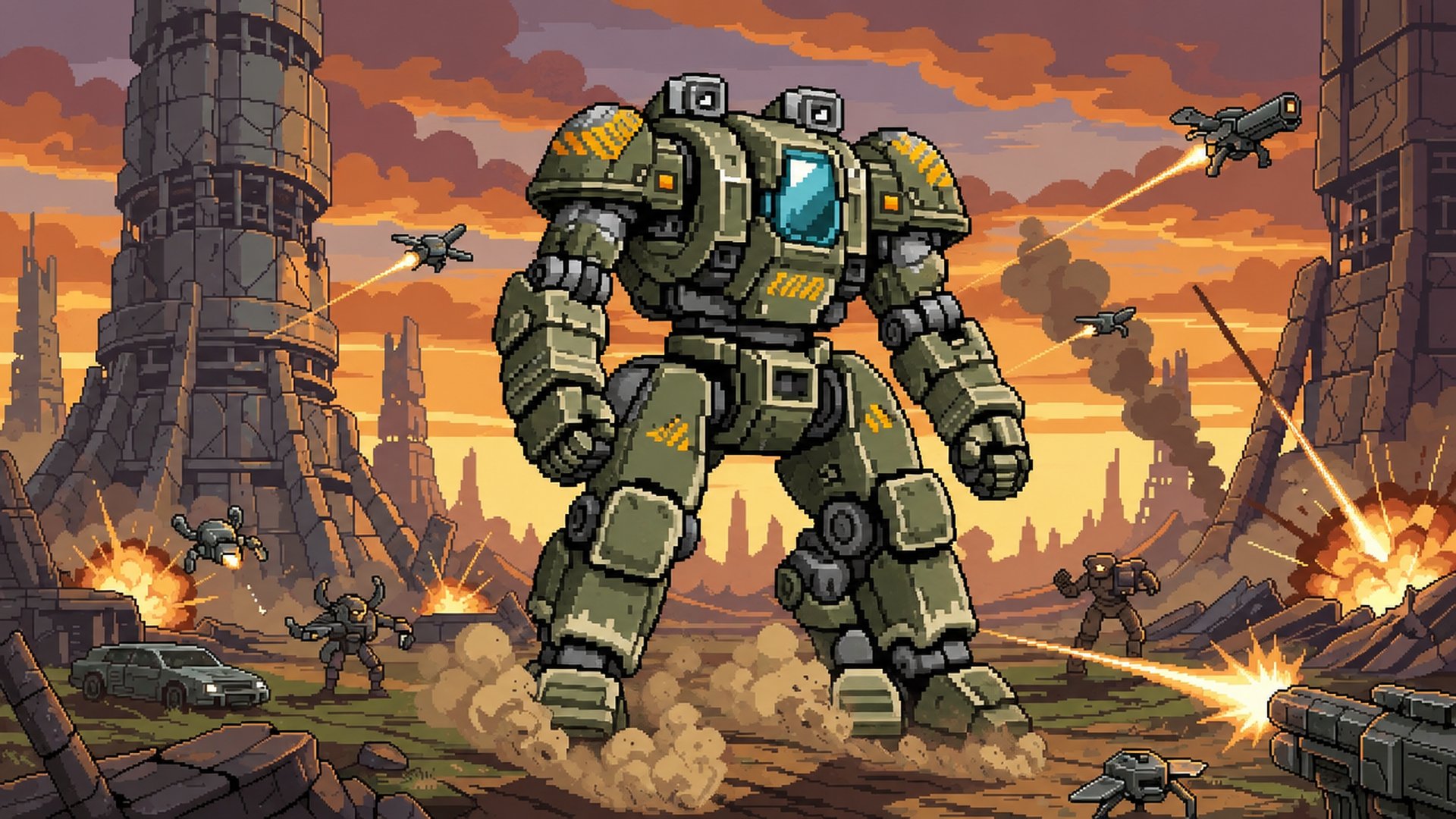

Sit inside the cockpit of a giant walking mech as it stomps across a ruined frontier. Enemies appear as specks on the horizon and grow as they close in, while your guns fire on their own and you tap the canopy glass to put extra shots exactly where you want them.
Every screen on the console wall is a glowing CRT monitor. Tap one to zoom in and spend scrap on the chassis, cores on weapon and armor tech, send salvage drones on timed runs, and push sector by sector toward the bosses. Leave, and the mech keeps earning: a dot-matrix printout tells you what it found while you were away.
How to play
Press ENGAGE. The mech walks and fires by itself; your job is to aim the extra shots and decide what to build next.
- Tap or click the canopy glass to fire where you aim, hold to keep firing
- Open the Mech Bay monitor and upgrade Servo Arms, Reactor, Hull Plating, Legs and Coolant with scrap
- Spend cores on the Weapons and Armor tech trees to add new guns, shields and repairs
- Press the red OVERDRIVE button when it is charged for a burst of fire
- Every 10th wave a sector boss arrives: tap its glowing weak point
- Send drones on 5-minute, 30-minute or 2-hour salvage runs before you leave
The cockpit monitors
Six tappable screens run the whole game. Mech Bay upgrades the chassis on a live blueprint with buy x1, x10 or max. Weapons Tech and Armor Tech are circuit-board trees of 15 nodes each. The Drone Hangar is a radar with three salvage sites. The Nav Map shows the sector route, your run time and settings. Pilot Link holds the Neural Re-sync prestige, pilot perks and cosmetics.
Progress and prestige
From sector 5 you can eject and re-sync: scrap, part levels and the current sector reset, the tech trees stay, and you earn Sync points for permanent perks such as more damage, more scrap, a longer offline cap, a later starting sector and an extra drone bay. Blueprint fragments from drone runs unlock paint jobs and cockpit charms. The online Hall of Fame ranks the fastest time to beat five sector bosses in one run.
Phone or desktop
On a phone held upright the canopy sits on top and the console below. On a wide screen the canopy fills the left and the console stands on the right. The game switches live when you rotate or resize, and the Nav Map can lock portrait or landscape. Progress saves automatically in your browser.
Controls
- Touch
- Tap or hold the glass to fire, tap monitors to open them, tap BACK to return
- Mouse
- Click or hold on the glass to fire, click monitors and buttons
- Keyboard
- Space fire, E or Q overdrive, W A S D aim, 1-6 open monitors, Tab cycle monitors, Esc back
- Gamepad
- A fire, X overdrive, left stick or d-pad aim, shoulder buttons cycle monitors, Start opens the Nav Map
Features
- First-person cockpit with layered parallax and heavy footstep sway
- Scrap drones, crawler tanks, walker mechs and gunships that grow from the horizon
- Two sector bosses, the Fortress Crawler and the Siege Spider, with tappable weak points
- 9 weapons: autocannon, gatling, railgun, rocket pods, swarm missiles, artillery, laser, beam sweep, plasma lance
- Armor tech with plating, a hex-shimmer energy shield and repair drones
- Six sectors with their own skies and weather: dust, toxic spores, rain
- Drone salvage runs of 5 minutes, 30 minutes and 2 hours that continue offline
- Offline earnings reported on a cockpit dot-matrix printer
- Neural Re-sync prestige with five permanent pilot perks
- Five paint jobs and five cockpit charms
- No game over: at zero hull the mech retreats one wave and repairs
- Online Hall of Fame for the fastest five-boss run
- Portrait and landscape layouts, touch, mouse, keyboard and gamepad
Support
Stuck, found a bug, or want to say something about HARDPOINT IDLE? Send a message to the developer. They reply by email.
Something wrong with this game that the developer should not handle?
Made with Godot 4 on vbgnt.
Art, music and code were produced with generative tools and hand-tuned.