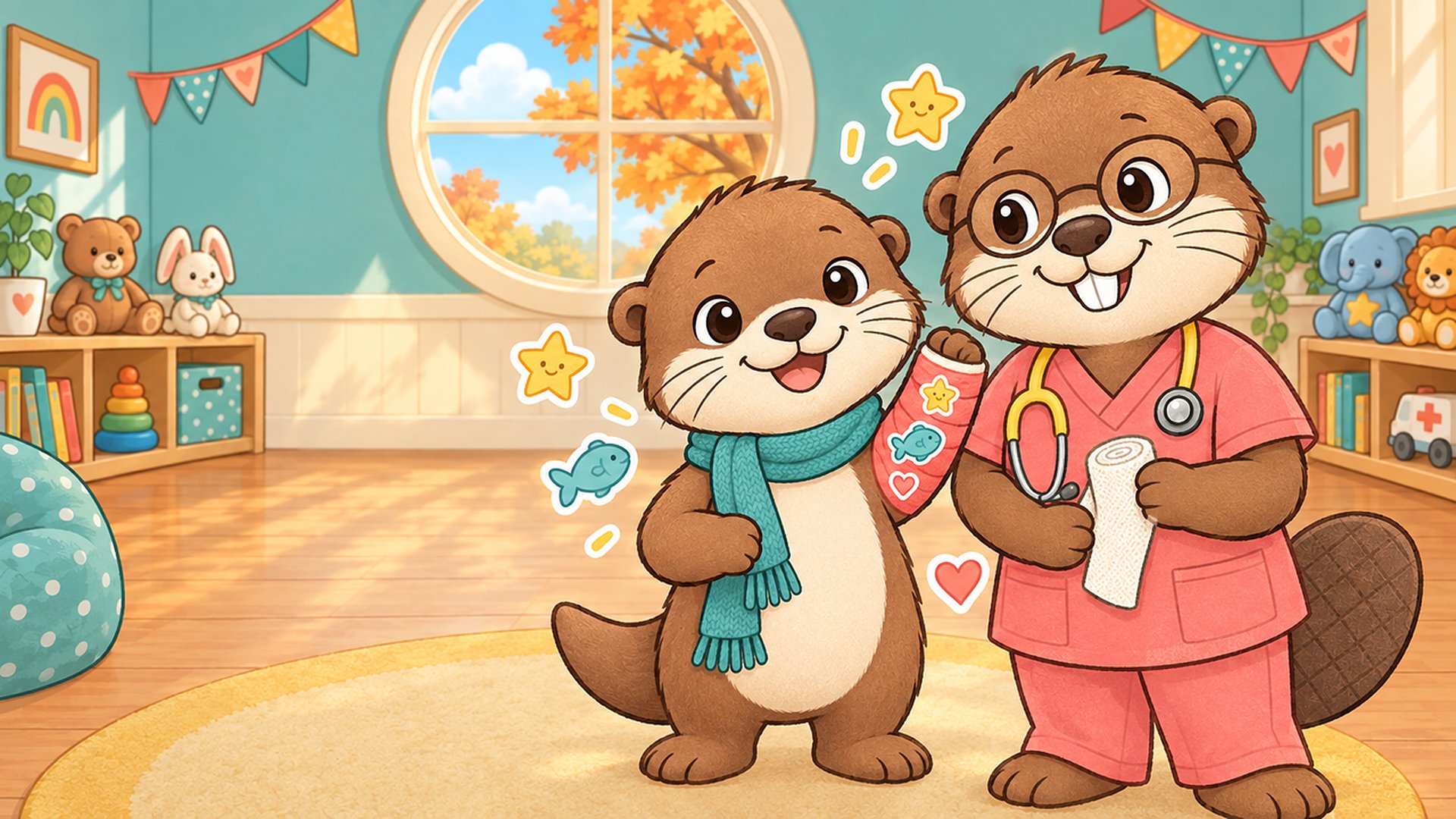
Pip the otter has hurt his arm, and he would love some help. Cast Studio walks children aged 4 to 12 through a broken-arm visit one calm step at a time: a friendly look at an X-ray, a cast wrapped in a favourite colour, and a decorating session that ends with a big smile. There is no blood, no pain and nothing scary, just kind words and soft music.
First, slide Pip's cartoon X-ray bones back together; a soft glow shows where each piece belongs. Then Dr. Bea wraps the cast and your child picks its colour. Last comes the fun part: stickers, stamps and finger doodles. Every finished cast is kept in the My casts gallery on the device, ready to show a nurse, a parent or a friend.
How to play
Press Play and follow Pip. Each step starts with one short, friendly sentence and a big arrow to carry on. The three dots at the top show where you are: X-ray, cast colour, decorating.
- X-ray: drag the loose bone piece to its glowing spot until it clicks into place
- Stuck? Tap the light bulb and the piece shows the way
- Cast: tap a colour and watch Dr. Bea wrap the arm, then tap the tick
- Decorate: pick stickers, stamps or the brush and tap or draw on the cast
- Made a mistake? The undo button takes the last thing away
- Tap the tick when finished: the cast is saved to My casts
- The X-ray puzzle grows from one loose piece to three over the first rounds
For parents, child life specialists and nurses
Cast Studio was made for Maplewood Children's Hospital to help children know what to expect when a bone is broken. Short, true lines explain the visit in a child's words: an X-ray is a picture of your bones and it does not hurt; a cast keeps the bone still while it mends; bones are alive and can fix themselves; when the bone is better, the cast comes off.
There are no timers, no scores and no losing. A missed drop simply says "Nearly! Find the glow." and lets the child try again. A round takes a few minutes, which suits a waiting room, a bedside or a quiet moment at home before an appointment.
No ads, no in-app purchases, no accounts and no personal information collected. Finished casts are kept only on the device and can be deleted from the gallery at any time.
Decorating the cast
Choose from eight cast colours, twelve stickers (stars, hearts, a fish, a rainbow, a rocket, a butterfly and more), eight stamps in eight ink colours, and a brush with two sizes for finger doodles. Stickers can be dragged around after they are placed, and several fingers can draw at once on a touch screen.
Controls
- Touch
- Tap, drag and draw with your finger. Works in portrait and landscape
- Mouse
- Click, drag and draw
- Keyboard
- Arrow keys or WASD move the pointer, Space or Enter taps (hold to drag), Esc or P for Rest time, M mutes sound
- Gamepad
- Left stick or D-pad moves the pointer, A taps (hold to drag), Start for Rest time, Back mutes sound
Features
- Cartoon X-ray puzzle: slide the bone pieces back into place
- Gentle hints: a soft glow and a light-bulb button, never a fail screen
- Dr. Bea wraps the cast in one of eight colours
- Decorate with 12 stickers, 8 stamps and finger doodles
- My casts gallery keeps up to 24 casts on the device
- Short, true facts about X-rays, casts and healing bones
- Calm music and soft sounds, with a mute button always on screen
- Rest time pause screen
- Plays in portrait or landscape, on phones, tablets and computers
- Touch, mouse, keyboard and gamepad
- No ads, no in-app purchases, no accounts, no personal information collected
Support
Stuck, found a bug, or want to say something about Cast Studio? Send a message to the developer. They reply by email.
Something wrong with this game that the developer should not handle?
Made for Maplewood Children's Hospital with Godot 4 on vbgnt.
Art, music, sound and code were produced with generative tools and hand-tuned.